Paparazzi!
A game about camera settings
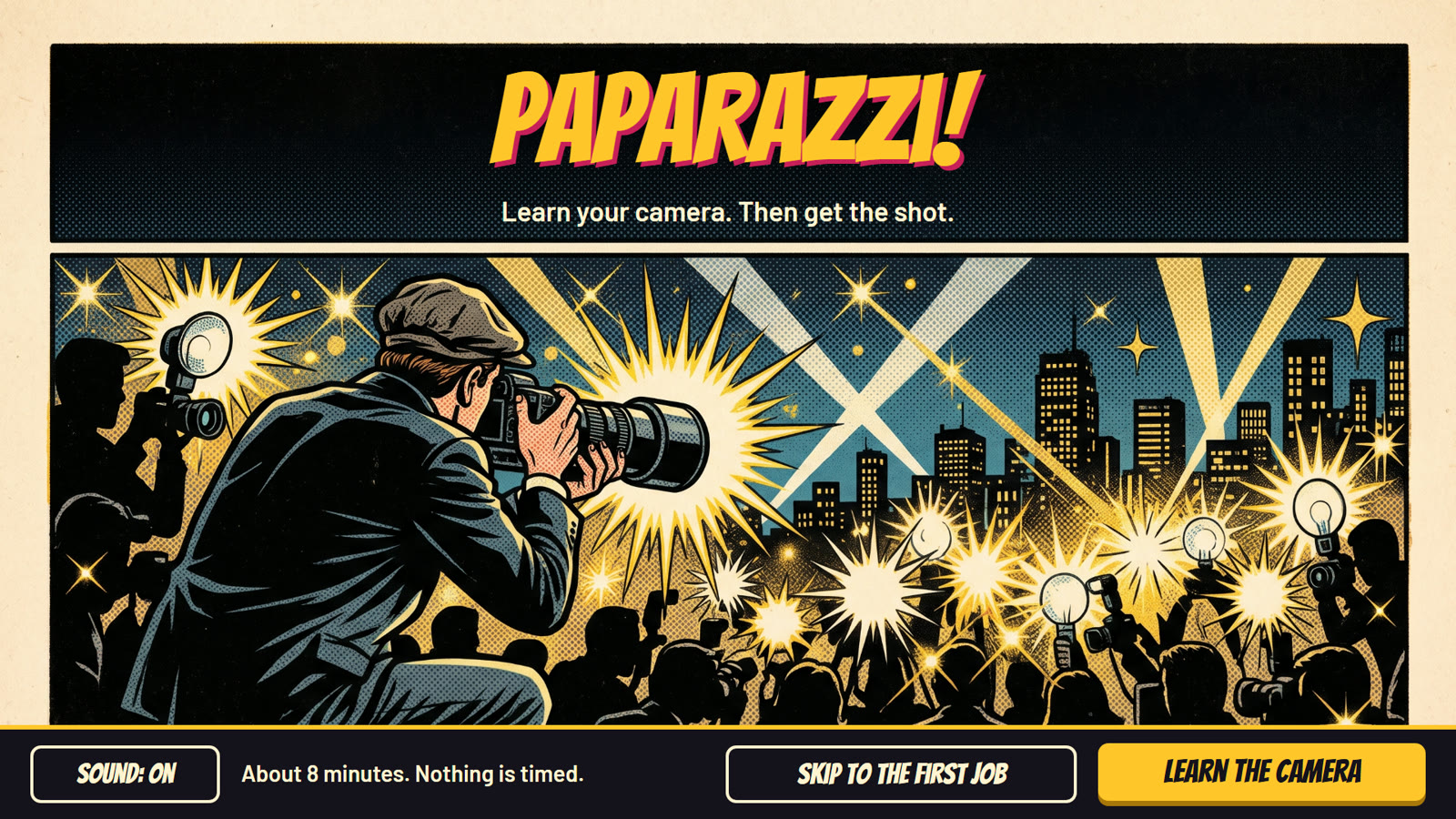 Play Paparazzi!
Paparazzi! is a short game that teaches the three main camera settings: aperture, shutter speed and ISO. It takes about eight minutes.
It has two parts. In the first part you learn the camera. There are six short lessons. In each one you turn a dial and a practice photo of a pigeon changes to show what that setting does.
In the second part you are a photographer for three gossip magazines. Your editor phones with a tip, you drive to the location, and you get one shot. You set the camera and take the photo. Then you see the photo your settings made, and the editor puts it on the front cover, on page 9 or in the bin.
Each job uses a different camera mode. In the first you set only the aperture. In the second you set only the shutter speed. In the third you set all three in the dark, with a light meter to guide you.
After each photo you see what you set, what the camera set, and why the photo came out that way. If your photo is binned, you can try again.
Why I built it this way
- The lessons come first, so the game tests something you have already tried. You can skip them if you know your camera.
- You change one setting at a time before you have to balance all three.
- The photo changes with your settings, so you can see what each setting does.
- You get one shot per job. If your photo is binned, you can take it again.
- There is a hint and a camera guide on every camera screen. You can use them as often as you like, and it doesn't change your result.
- The story is silly on purpose. I wanted it to be fun to play.
Accessibility
- Nothing is timed.
- Each dial works by dragging, by clicking its left or right side, or with the arrow keys.
- Every photo is described in words, so you don't have to judge the blur by eye.
- The light meter gives its reading in words as well as on a scale.
- A screen reader is told the real setting when a dial turns, such as f/4, and what the camera changed in response.
- The first screen lets you turn the sound off. Every spoken line is also written on screen.
- Labels say which settings are yours and which the camera sets, so it doesn't rely on colour.
How it is built
It is built in Articulate Storyline 360, with 31 slides and about 330 triggers. The camera controls are Storyline dials. JavaScript works out the photo from your settings, then blurs, smears, darkens or adds grain to the picture. It also plays the sound, so the music carries on from one slide to the next.
I made the pictures with Google Gemini, and the editor's voice, the music and the sound effects with ElevenLabs.
I made it for Articulate's E-Learning Challenge #574, Teaching Digital Camera Basics.
Still to do
I have tested it with the keyboard. I still need to test it with a screen reader.