Opening Check
A kitchen inspection
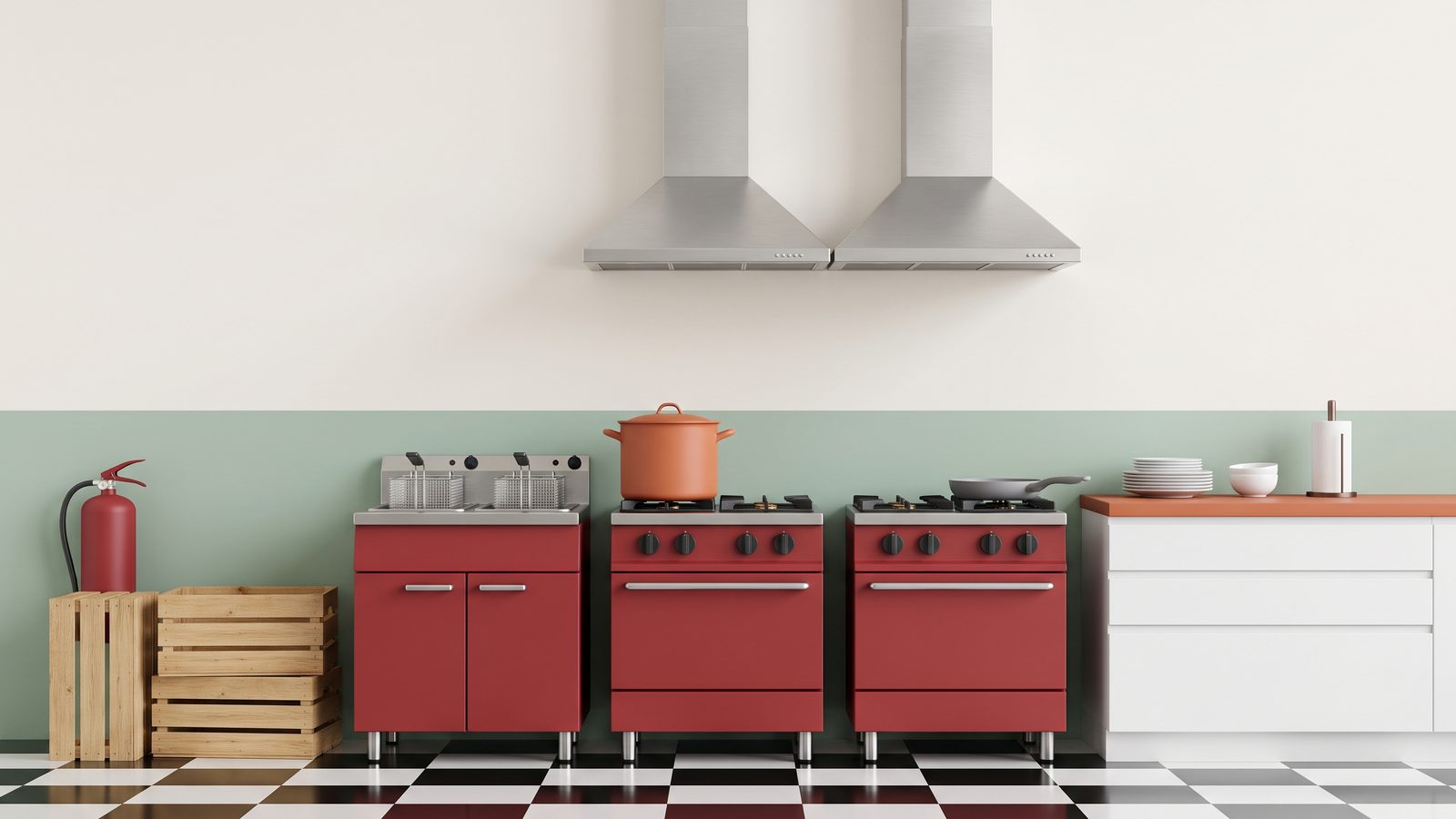 Play Opening Check
Opening Check is a kitchen inspection you do before service starts.
You check twelve things across four walls of a commercial kitchen. For each one you choose to fix it or leave it. You can't change a choice once you have made it.
You have 45 minutes, and every fix uses some of them. Seven of the twelve things are real problems. Fixing all seven takes exactly 45 minutes, so if you fix something that was fine, you open late.
When you have checked everything, the kitchen opens. You then see eight moments from service that show what happened because of your choices.
Why I built it this way
- You get no feedback while you inspect. You make all your choices first and see the results afterwards. When I gave feedback after each choice, it felt like a quiz.
- The 45 minutes is a budget. There is no running clock. A countdown would shut out people who need more time to read or use the screen.
- You don't have to spot anything by eye. A panel lists the items on each wall. When you pick one, a line points to it in the picture.
- A slider moves the view along each wall. An earlier version squeezed the picture to look like a turn, and it made me feel sick, so I took that out.
Accessibility
- Previous wall and Next wall buttons do the same job as the slider, so it works from the keyboard.
- The focus order is set by hand on all twelve slides.
- You can reduce the motion.
- Nothing is timed.
How it is built
It is built in Articulate Storyline 360. The kitchen is one slide with 42 variables and about 400 triggers. JavaScript moves the camera, draws the line and runs the clock.