John Willsdon
Learning designer / Sydney
I design and build scenario-based eLearning in Articulate Storyline 360. Everything I make works with a keyboard and a screen reader.
Work
Six pieces
I built these six pieces in Articulate Storyline 360. You can play five of them now. Who's asking? is coming soon.
Talking with Tom
AI practice for motivational interviewing
A practice conversation for motivational interviewing. You play an employment counselor talking to Tom, an AI character who hasn't logged a job search for six weeks.
You speak or type in your own words and Tom answers out loud. At the end an AI coach gives you feedback on what you said and how Tom responded.
You can speak or type. If you speak, there is nothing to press, and short tones tell you whose turn it is.
Play Talking with Tom
Read the case study for Talking with Tom
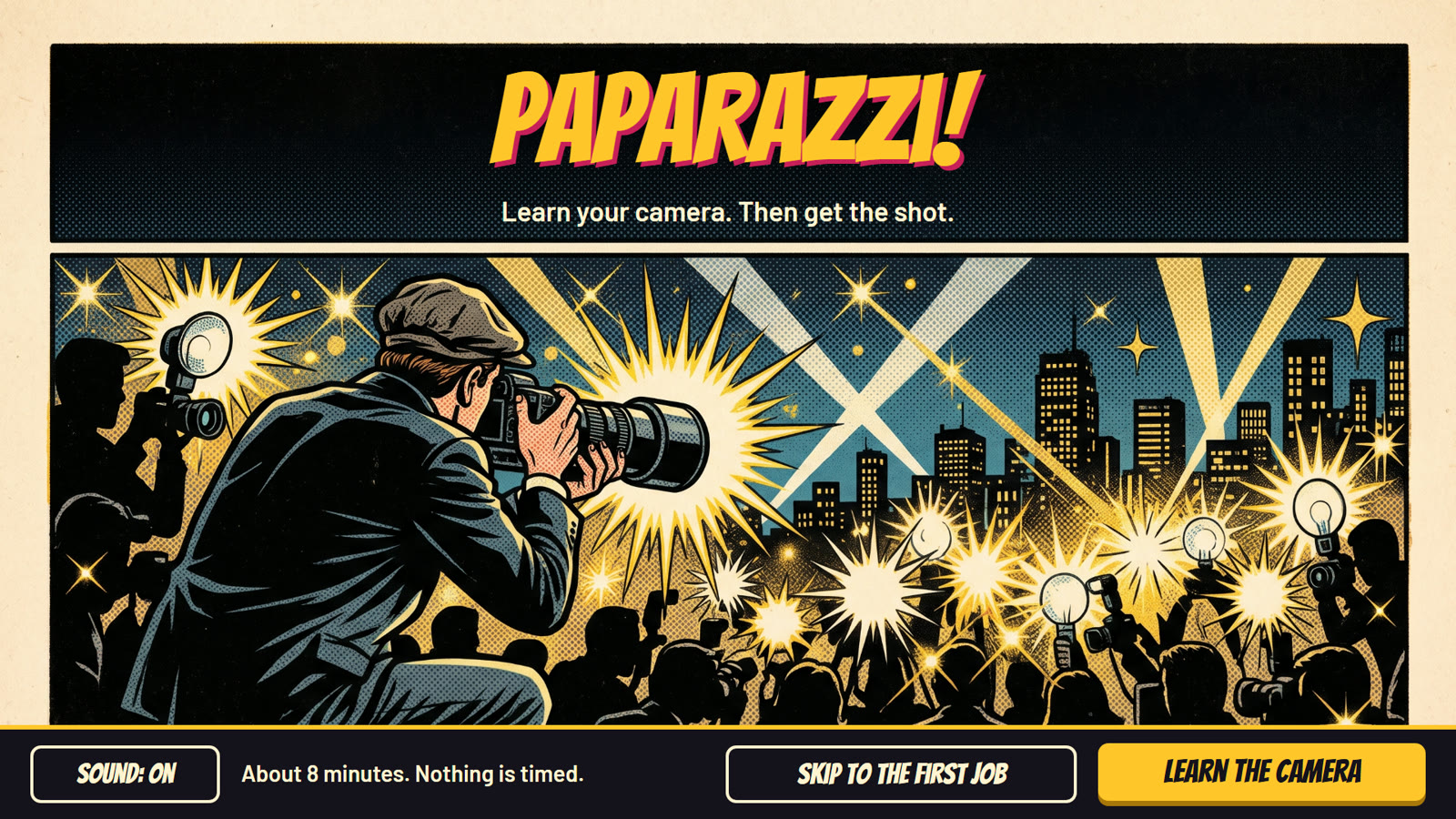
Paparazzi!
A game about camera settings
A short game that teaches aperture, shutter speed and ISO. Six lessons let you turn each dial and watch a practice photo change.
Then you are a photographer for three gossip magazines. You get one shot at each job. Your photo ends up on the front cover, on page 9 or in the bin, and you see why.
The dials work with the arrow keys, every photo is described in words, and nothing is timed.
Play Paparazzi!
Read the case study for Paparazzi!
The Rewrite
A feedback conversation
A practice conversation about giving feedback. You play a manager talking to Mei, a senior designer who has been rewriting her juniors' work overnight.
The conversation has five steps. At each step you choose what to say, and two meters show how it is going. At the end you can see how each choice went and try any step again.
A screen reader reads each line as it is said, and you can turn the motion off.
Play The Rewrite
Read the case study for The Rewrite
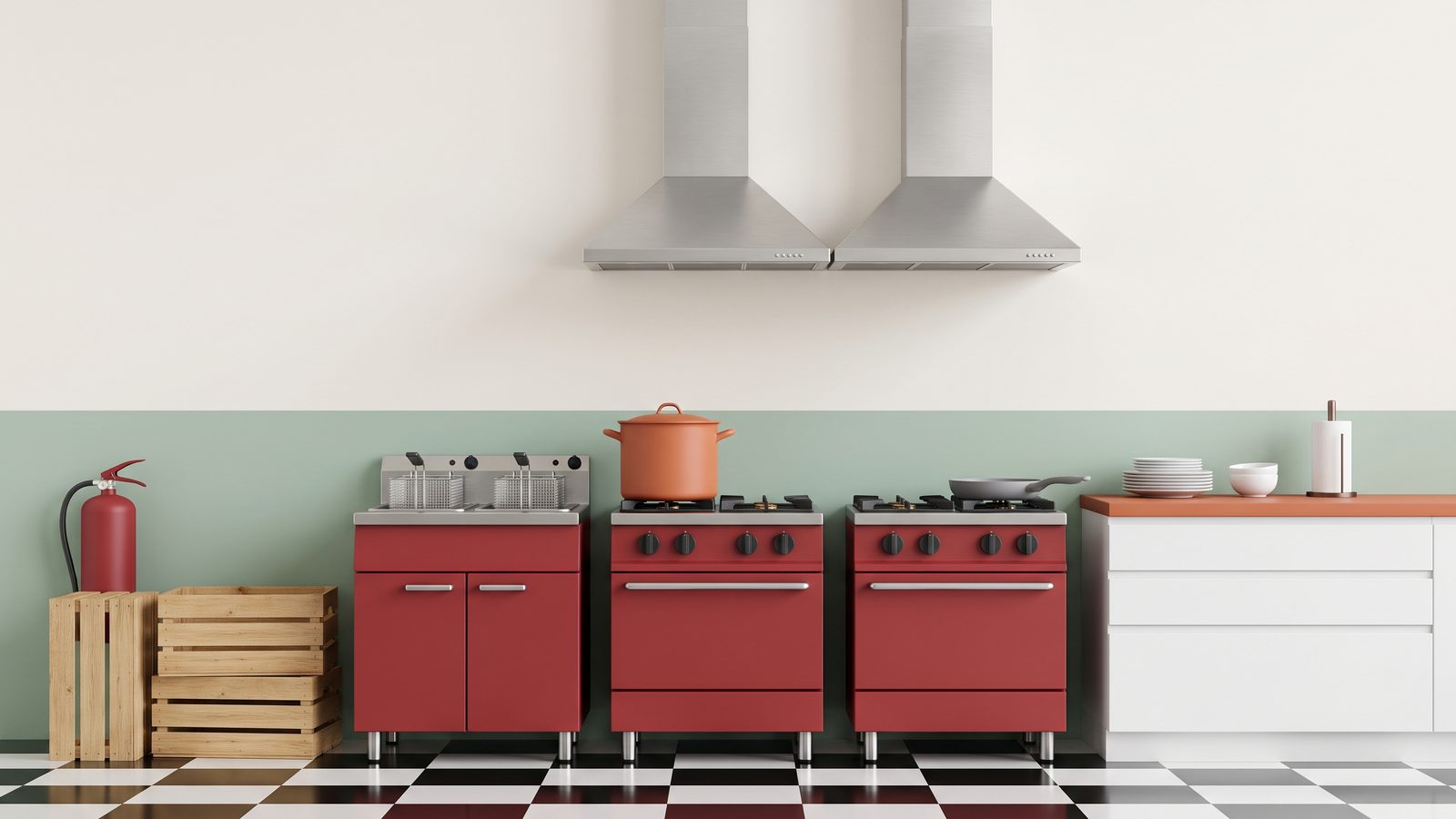
Opening Check
A kitchen inspection
A kitchen inspection before service starts. You check twelve things across four walls and choose to fix or leave each one.
You have 45 minutes, and every fix uses some of them. When you finish, the kitchen opens and you see what happened because of your choices.
There is no running clock, so nothing is timed. It works from the keyboard.
Play Opening Check
Read the case study for Opening Check
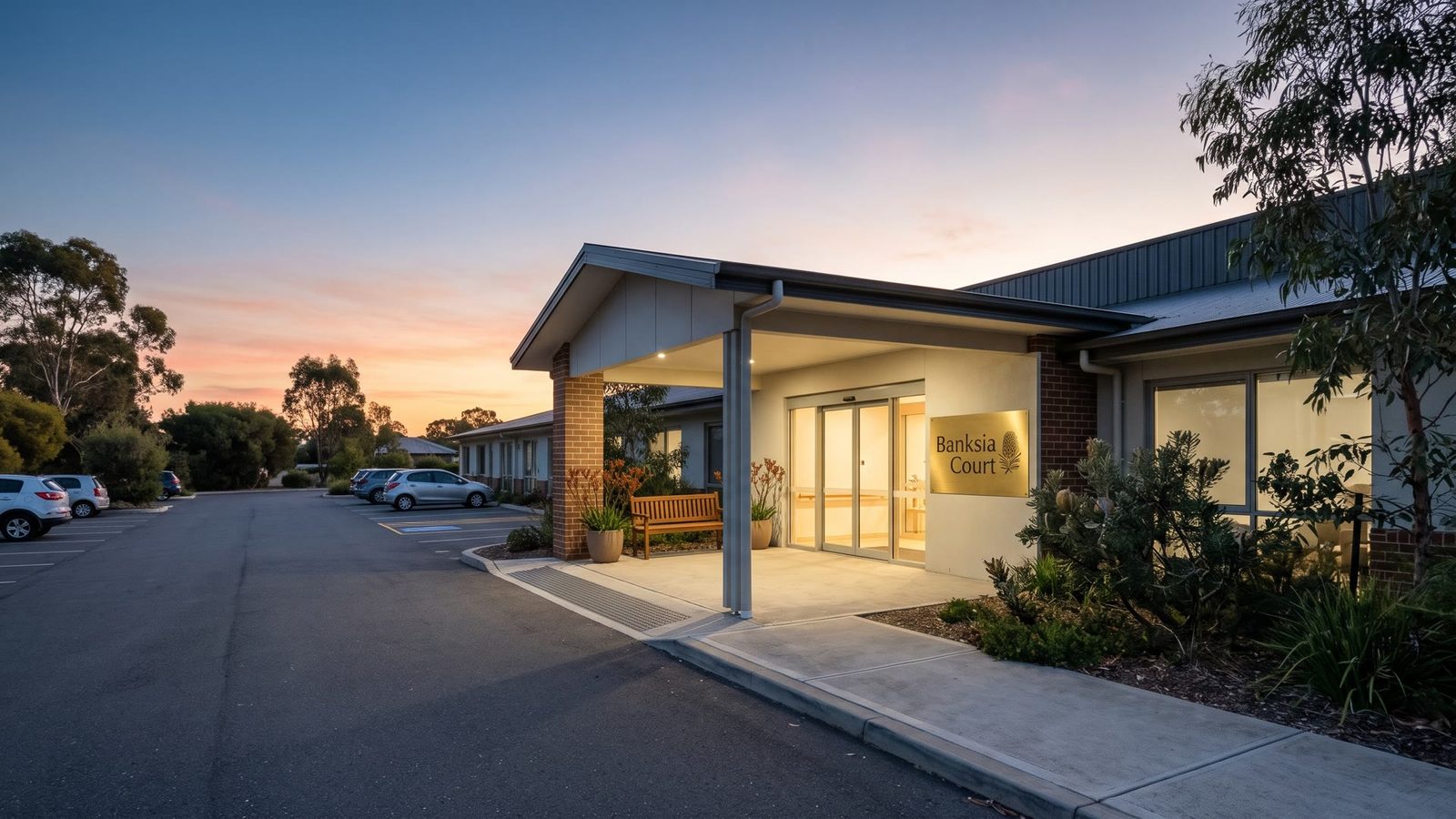
First Shift
A first day in aged care
A new care worker's first day in an aged care home. Partway through handover a call bell goes off, and you choose whether to stay, go on your own, or go with your buddy.
Later you need something from that handover. What you can do then depends on whether you heard it.
Nothing is timed. The call bell sound has a caption.
Play First Shift
Read the case study for First Shift
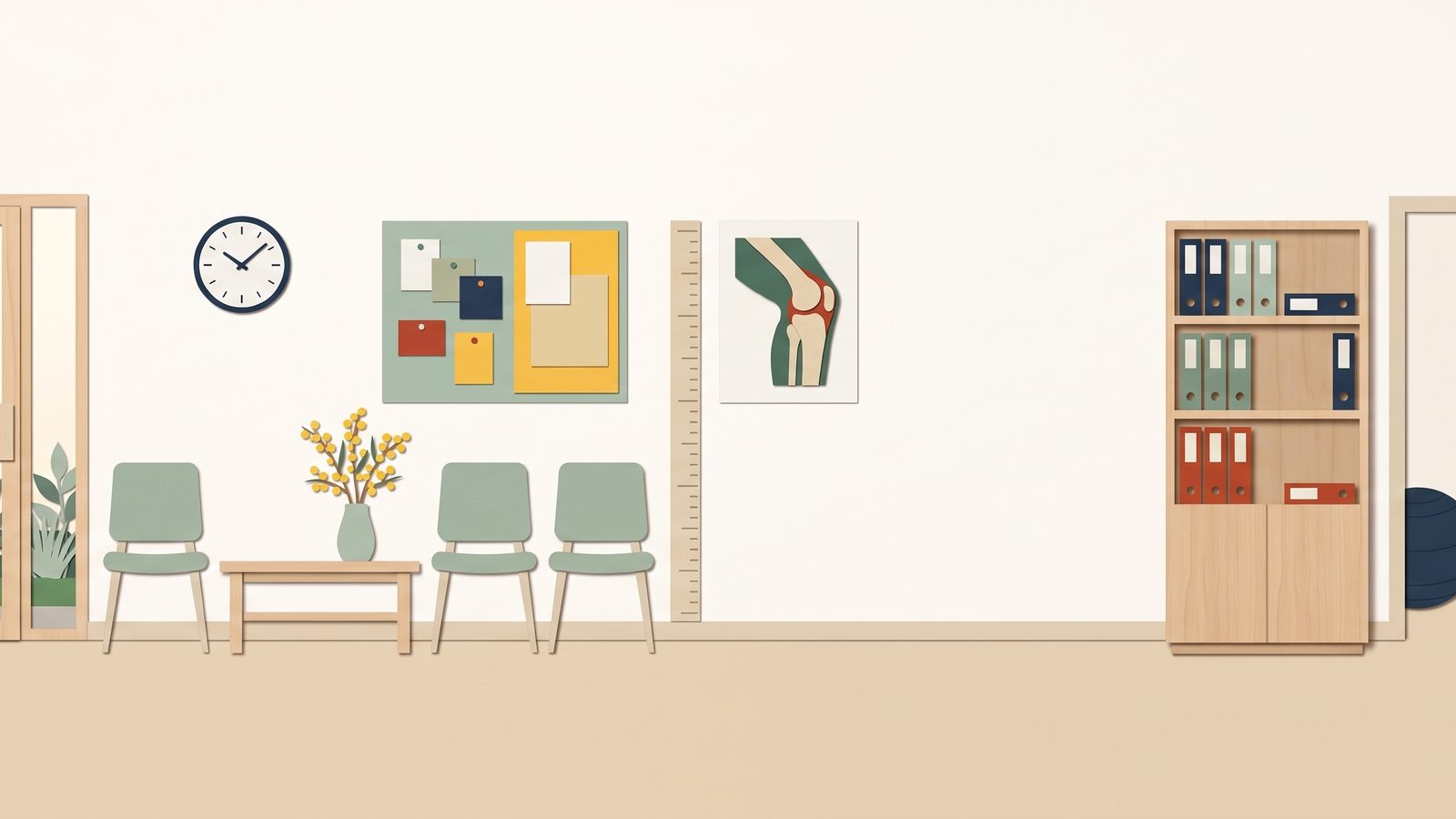
Who's asking?
A privacy course
A short course about privacy for front-desk and administration staff at a health service. It has two scenarios: a phone call about a patient's appointment, and a colleague asking for a favour.
In each one you choose what to do, see what happens to the people involved, and then get the rule. Three short questions follow.
It works with the keyboard alone, nothing is timed, and you can turn the motion off.
Playable version coming soon
Read the case study for Who's asking?
How I work
I start with what people need to do
Before I design anything, I ask what people need to do differently in their job. If there is no clear answer, a course is probably not the right fix.
Then I build practice around the decisions people make at work. Learners make a choice first, see what happens, and then get the explanation.
I design for accessibility from the start. Everything works from the keyboard and with a screen reader. You can turn off anything that is timed, and you can turn off the motion.
About
About me
I have worked in learning design for 15 years, in government, higher education and commercial organisations in Australia and the UK. That includes the Australian Public Service Commission, Transport for NSW, the Department of Human Services, two Sydney councils and the University of Technology Sydney.
At a UK care group, learning retention went up 15% and the cost per trainee-day went down 10% after I launched eLearning there.
I have a Graduate Certificate in Learning Design from UTS and a Bachelor of Psychological Science from Deakin University. I am also a Professional Certified Coach with the International Coaching Federation.
I build in Articulate Storyline 360 and Rise, and I use JavaScript when a piece needs it.